Wow...I've actually posted 12 days in a row ! Hmmmm....maybe I'll keep this up until the end of the year.
Another before and after...using the Content Aware feature in Photoshop and turning it into a sketch. The picture is of my daughter and her husband.
Another before and after ...... I cropped the photo....got rid of the foot in the background, blurred the background and give it a bit of a painting feel using the Gaussian blur and darken feature.
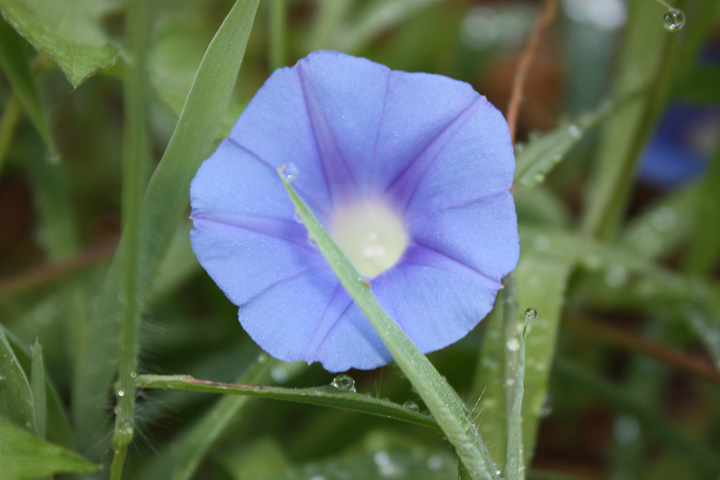
I decided I would try the Content Aware feature in Photoshop today. I took a picture of a morning glory a couple of months ago. I liked the photo...other than the blade of grass that was across the bloom. Instead of removing it the normal way (using the clone tool). I tried out the Content Aware feature....which I found is so much easier and a tad less tedious. I did do some color enhancements to the photo as well.
Today will be a " before and after". I've been trying to learn some different Photoshop Techniques. I'm sharing a photograph that I took a few weeks ago. My model is, Oz (my daughter's dog). He's a happy and wonderful dog, but as you see in the picture he looks a bit sad.....I don't think he likes having a camera pointed at him.